User Tracking
The User Tracking module helps organizations monitor employee work activity during active desktop sessions. It provides visibility into work progress through automatic activity tracking and periodic screenshots, while ensuring employee privacy outside working hours.
Overview
User Tracking is active only when the TrackHabit desktop application is running. Once the application is closed or the user logs out, activity tracking stops automatically.
Key Features
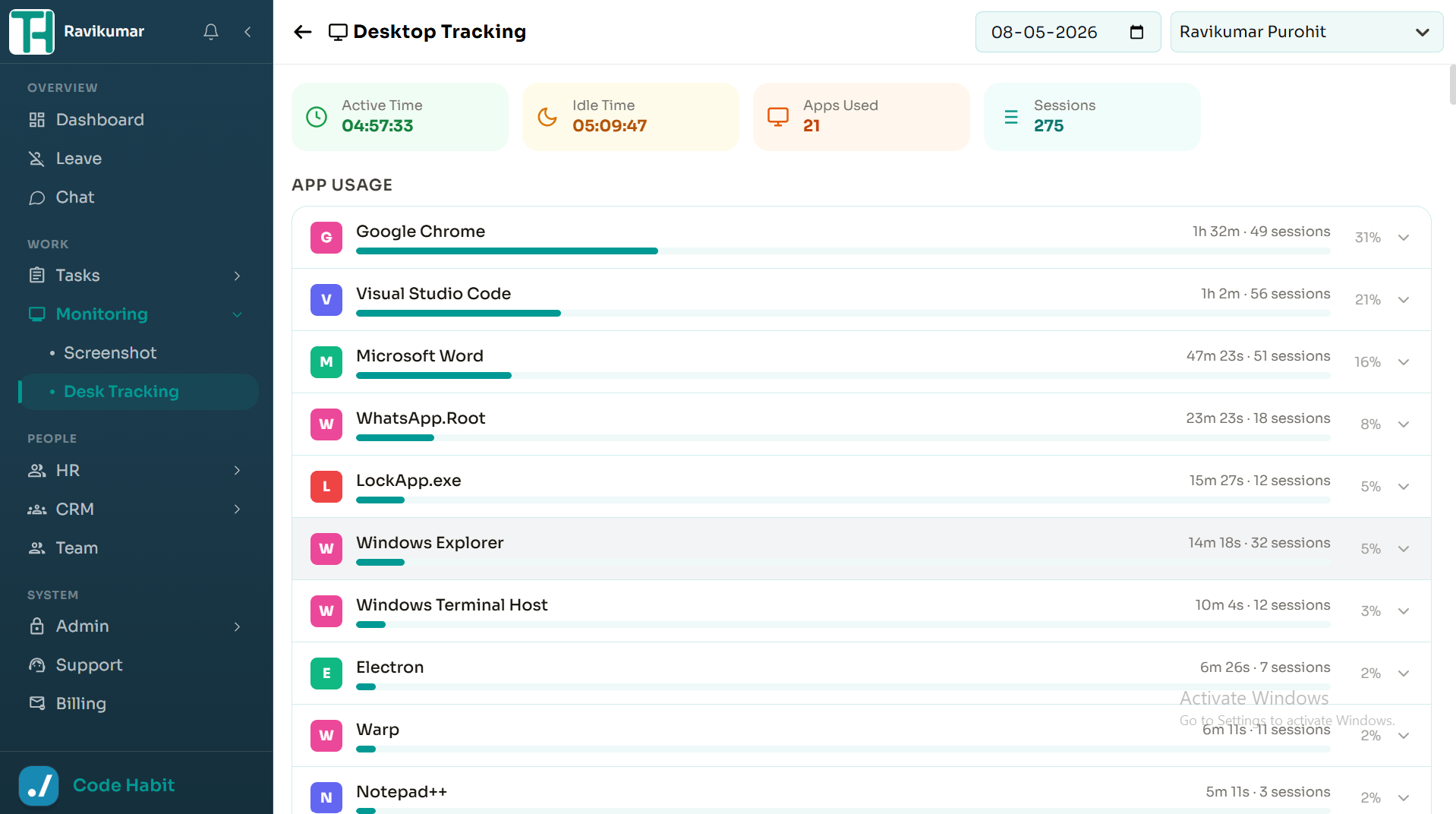
Activity Tracking
Automatically records employee activity during active work sessions to help monitor productivity and work progress.
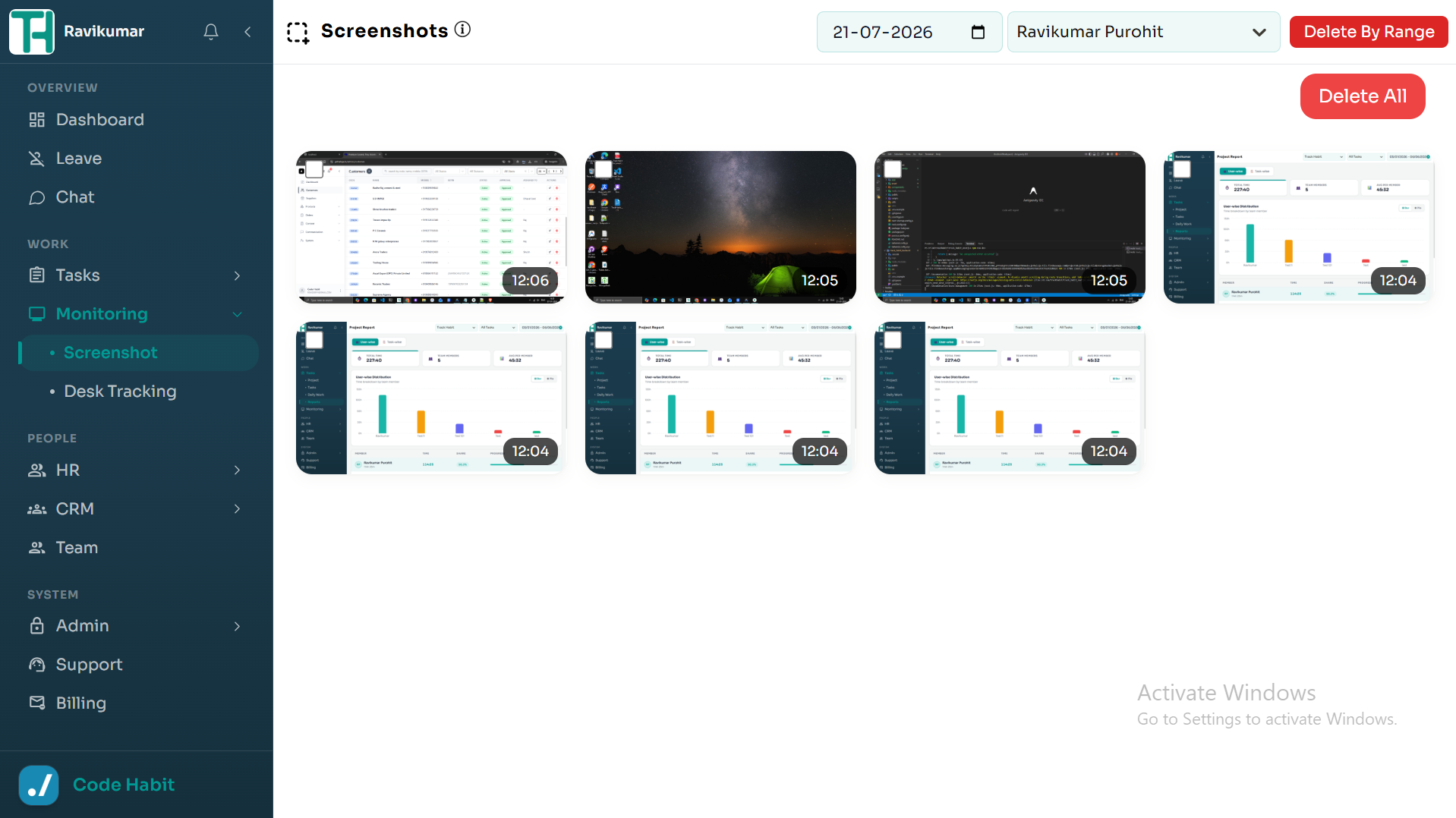
Screenshot Capture
Captures screenshots at predefined intervals while the desktop application is active, providing a visual record of ongoing work.
Employee Search
Quickly search for a specific employee and view their recorded activities and screenshots.
Date Filter
Filter records by date to review activity for a specific day or time period.
Privacy Protection
Tracking is limited to active desktop sessions only. No screenshots or activity are recorded after the application is closed or the user signs out.
Desktop Support
User Tracking is available only through the TrackHabit desktop application.
Key Benefits
- Monitor employee work activity in real time.
- Maintain a history of screenshots and activity records.
- Review work progress using employee and date filters.
- Improve transparency while respecting employee privacy.
- Help managers monitor productivity and project progress.